

Feature flags let you control your application’s behavior from GrowthBook, without deploying new code. Target specific users, gradually roll out changes, or run A/B tests on the client or the server. Feature flags decouple deploys from releases. Release code more frequently and with less risk by launching to a subset of users, ramping up gradually, or turning any change into an experiment.Documentation Index
Fetch the complete documentation index at: https://growthbook-preview.mintlify.app/llms.txt
Use this file to discover all available pages before exploring further.
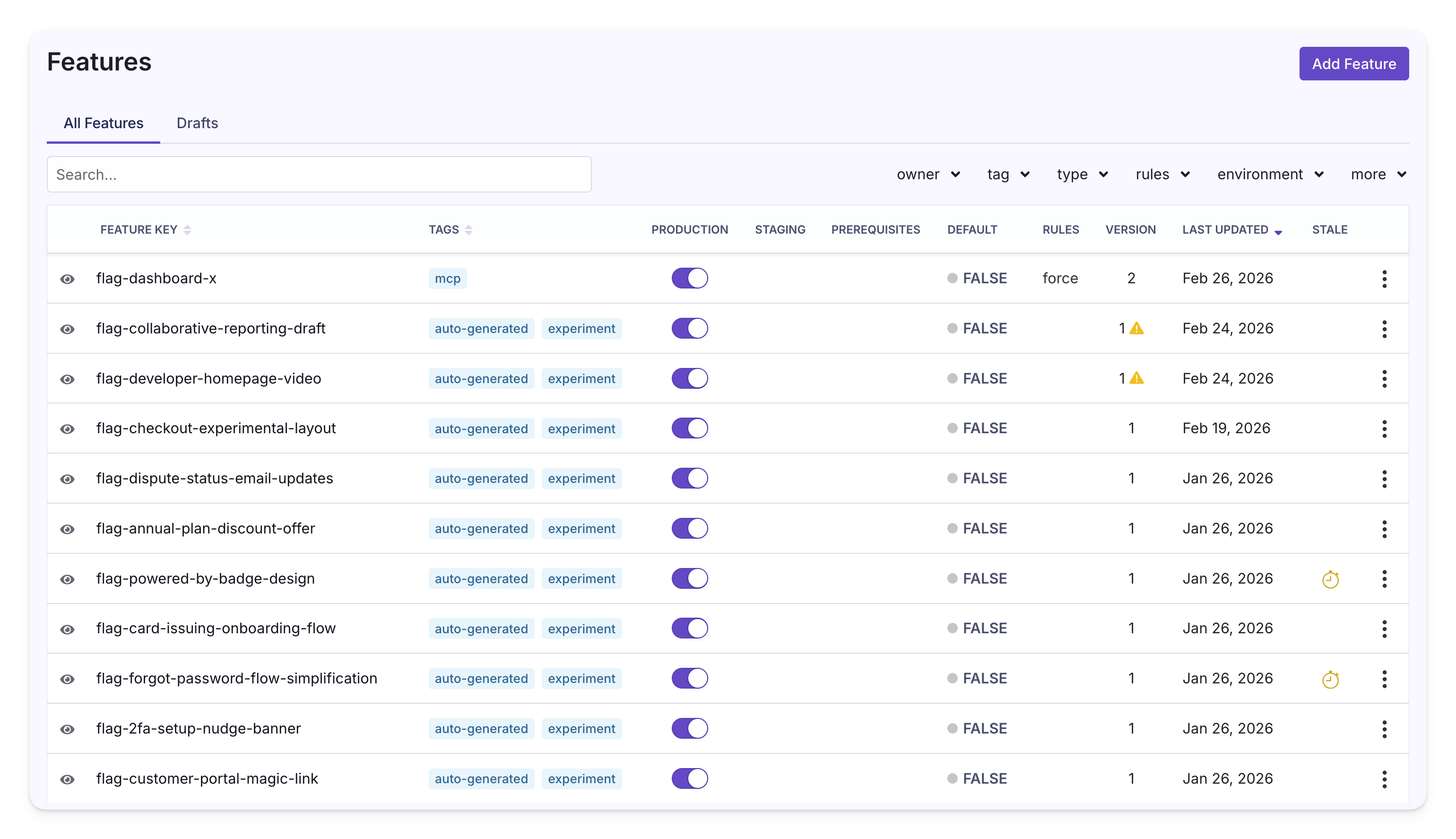
Getting Started
To use feature flags, set up an SDK Connection, then explore the docs below.Learn the Basics
- Fundamentals — Keys, feature types, default values, and publishing
- Environments — Control which features are enabled per environment (dev, staging, production)
Set Up Targeting and Rules
- Rules — How rules work, choosing a rule type, and configuring forced values, rollouts, experiments, and scheduling
- Targeting Conditions — Define who sees a feature using attributes, conditions, and saved groups
- Safe Rollouts — Release features with automatic guardrail monitoring
- Prerequisites — Gate features based on the state of other features
Manage Flags at Scale
- Publishing & Approval Flows — Drafts, revisions, merge conflicts, and requiring approvals
- Stale Feature Detection — Identify flags that may no longer be in use
- Code References — Find where flags are used in your codebase
- Feature Diagnostics — Inspect feature evaluations in production
- Custom Hooks — Extend GrowthBook with custom validation logic (self-hosted Enterprise)