Documentation Index
Fetch the complete documentation index at: https://growthbook-preview.mintlify.app/llms.txt
Use this file to discover all available pages before exploring further.
DataDog RUM with Feature Flag Data
Integrating DataDog’s Real User Monitoring (RUM) with GrowthBook’s feature flag data lets you quickly identify which experience your users were exposed to and if the changes introduced affect the user experience. This guide will cover the initial setup and an advanced example of how to leverage DataDog and GrowthBook’s powerful APIs to create a dynamic system that automatically toggles GrowthBook feature flags based on error thresholds.Setup
If your DataDog RUM browser SDK version is below v5.17.0, enable feature flags during RUM SDK initialization.
onFeatureUsage callback, as shown in the snippet below.
Advanced example
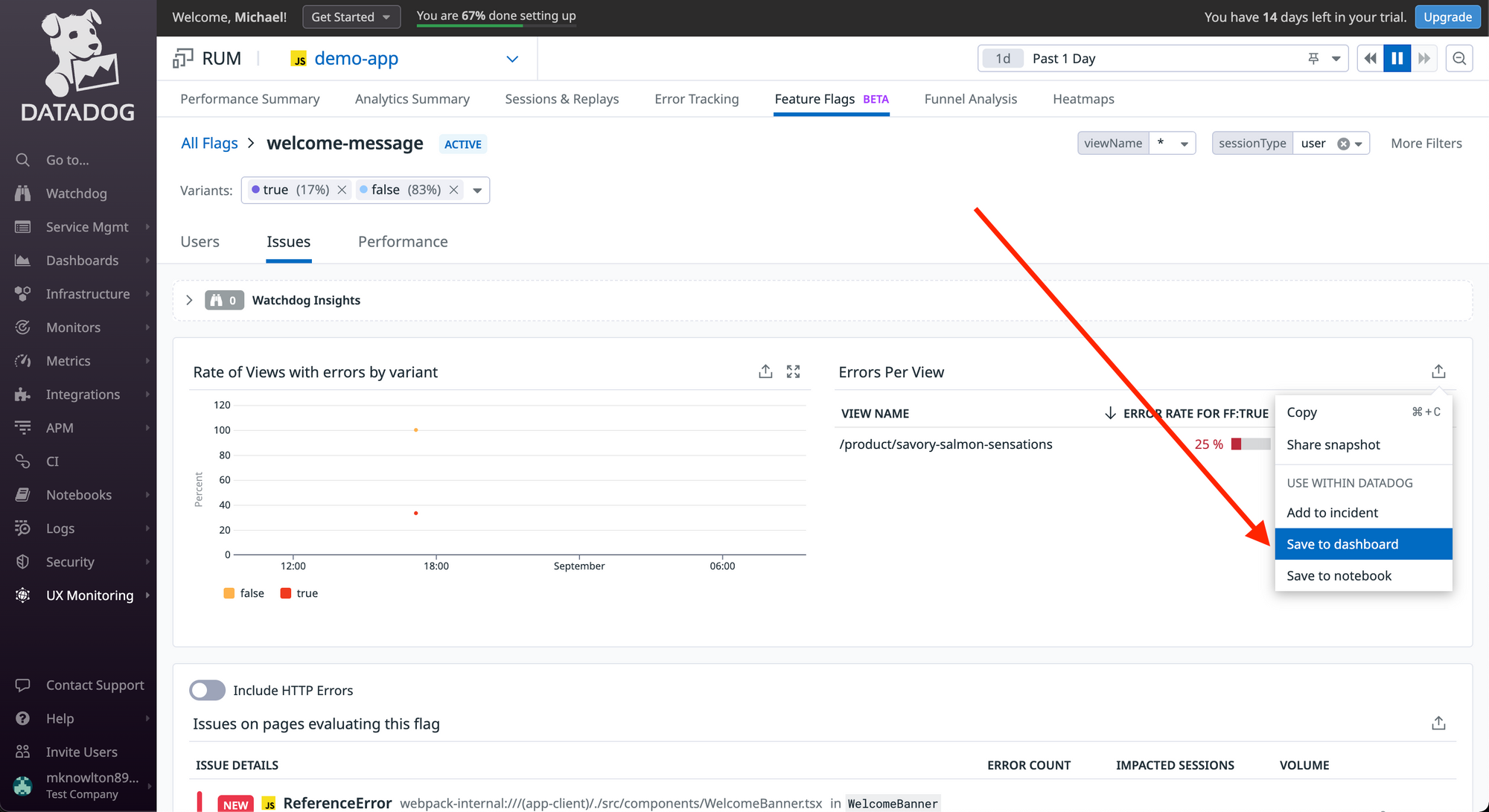
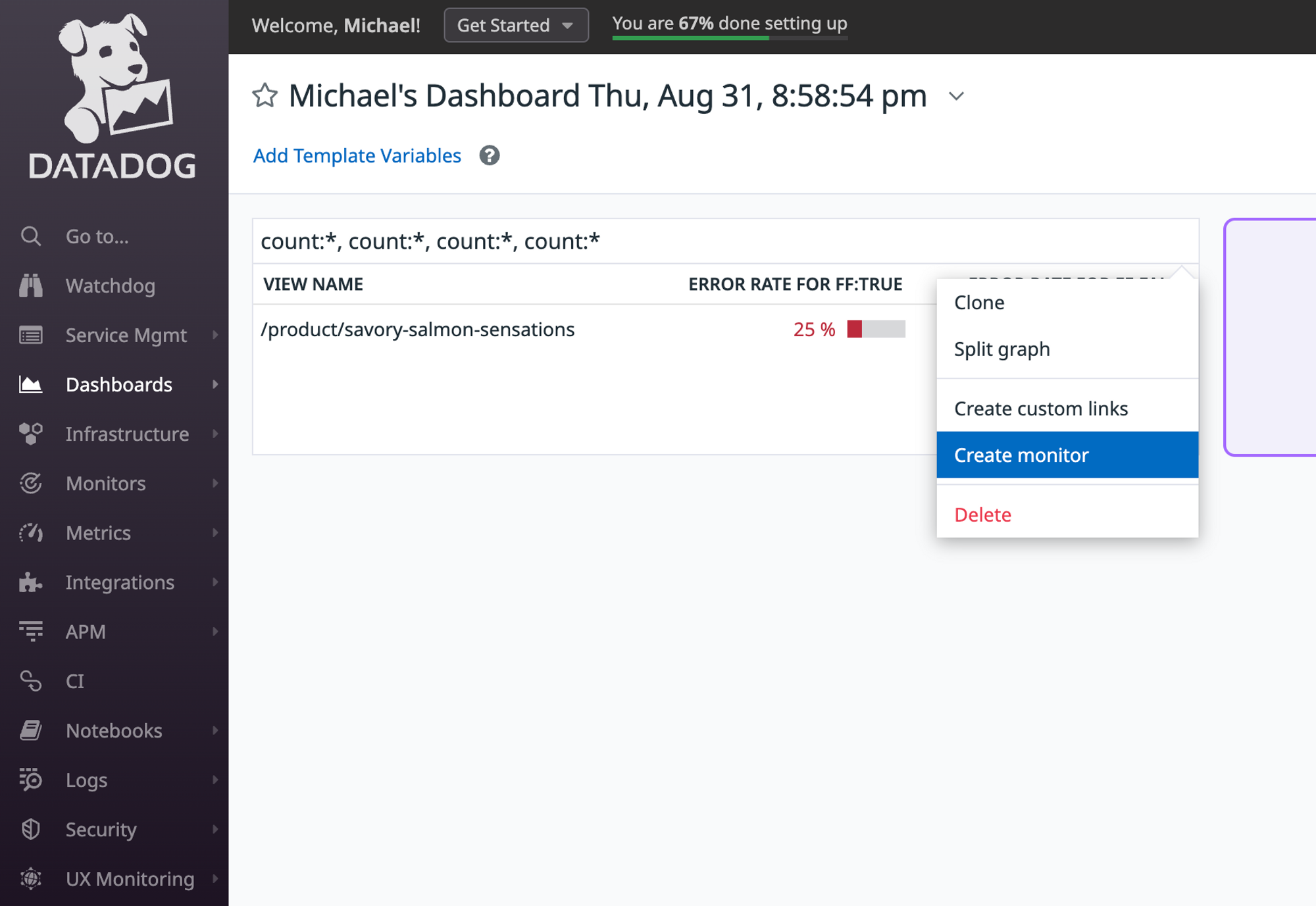
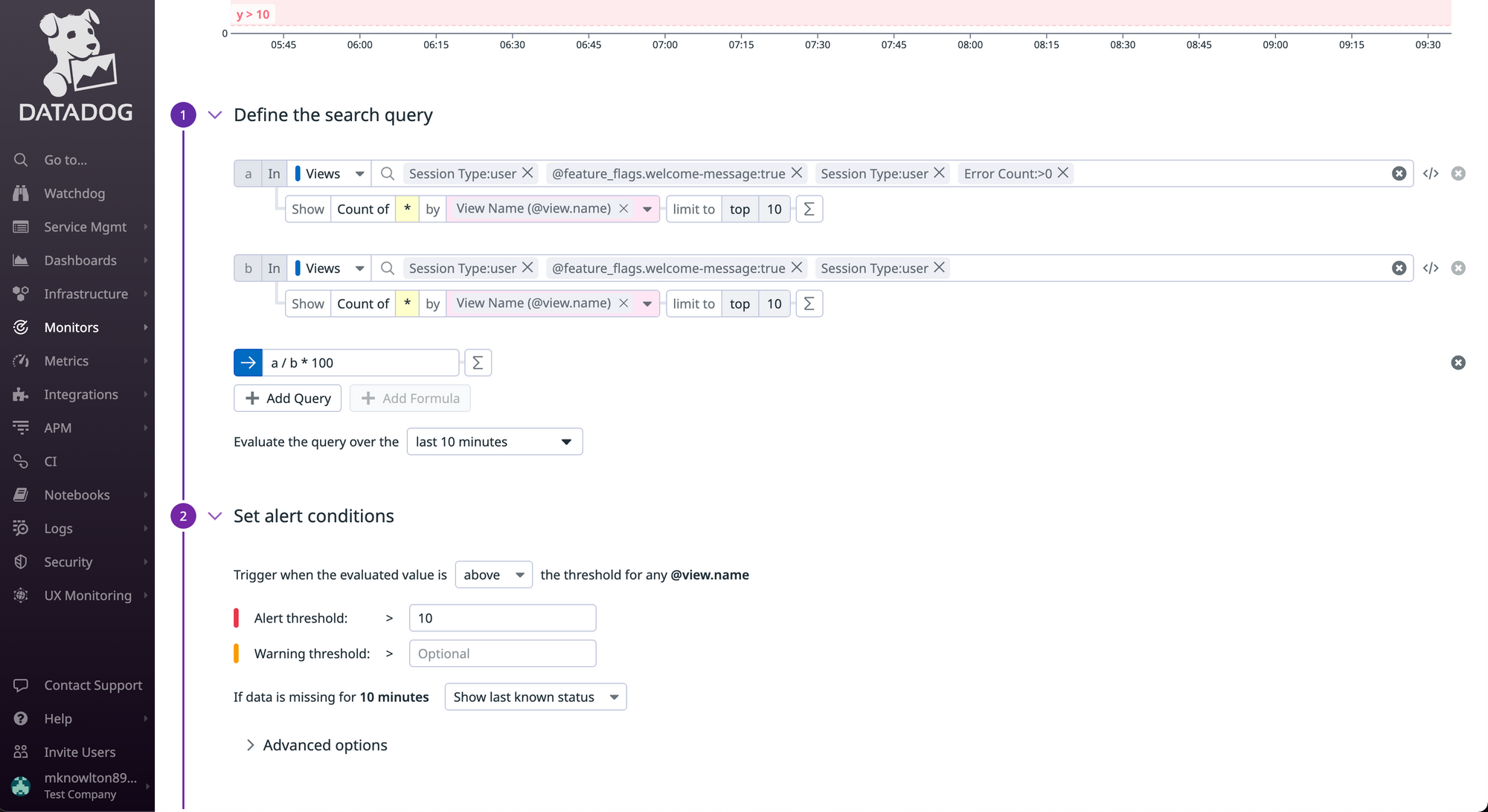
Now that you’re passing Feature Flag data to DataDog, you can build monitors and alerts when the error rate between Feature Flags variations cross a specific threshold within a pre-defined time period.1. Create a DataDog monitor
The beta Feature Flag Tracking feature allows you to see error rates between the various feature flag states.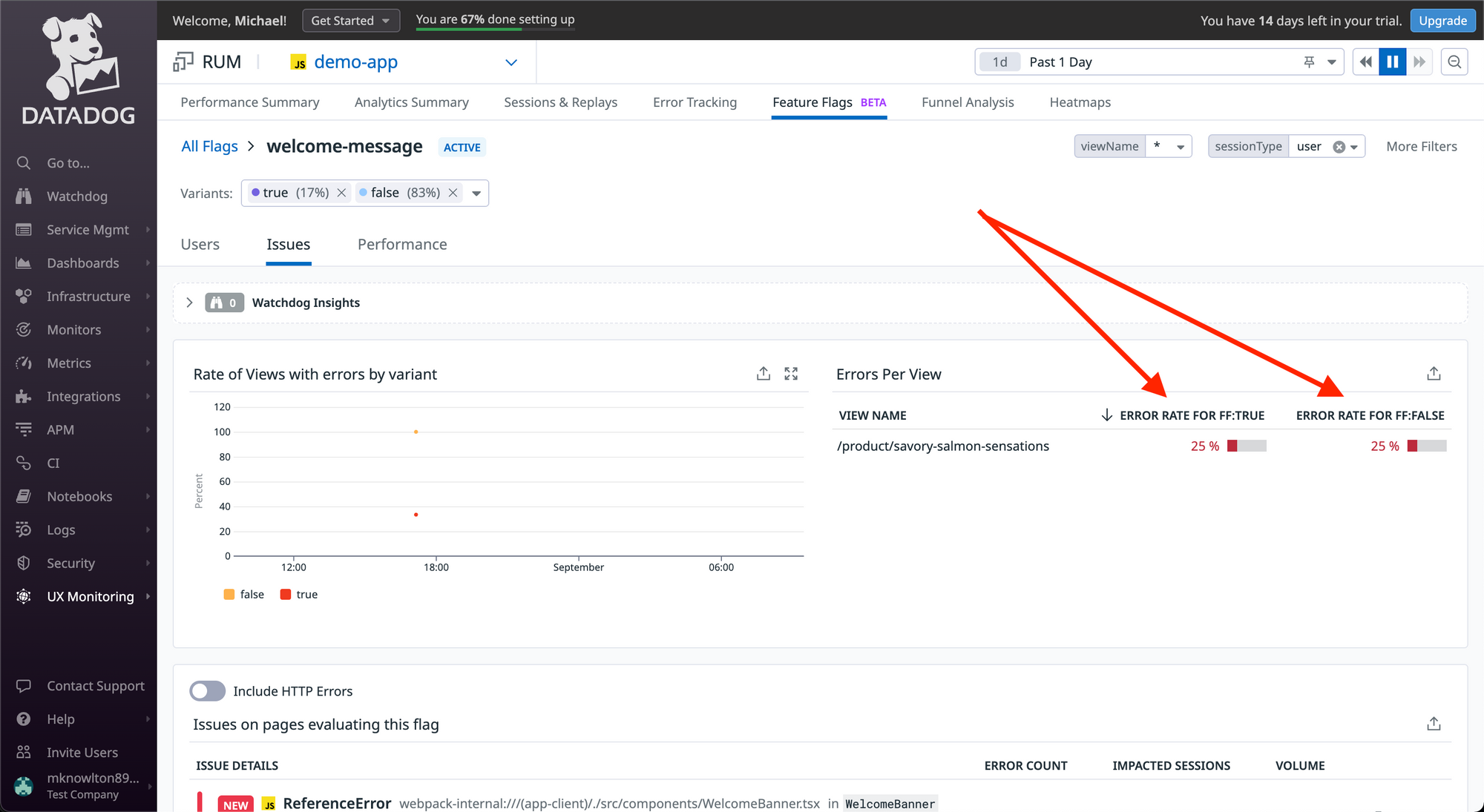
2. Create a DataDog webhook
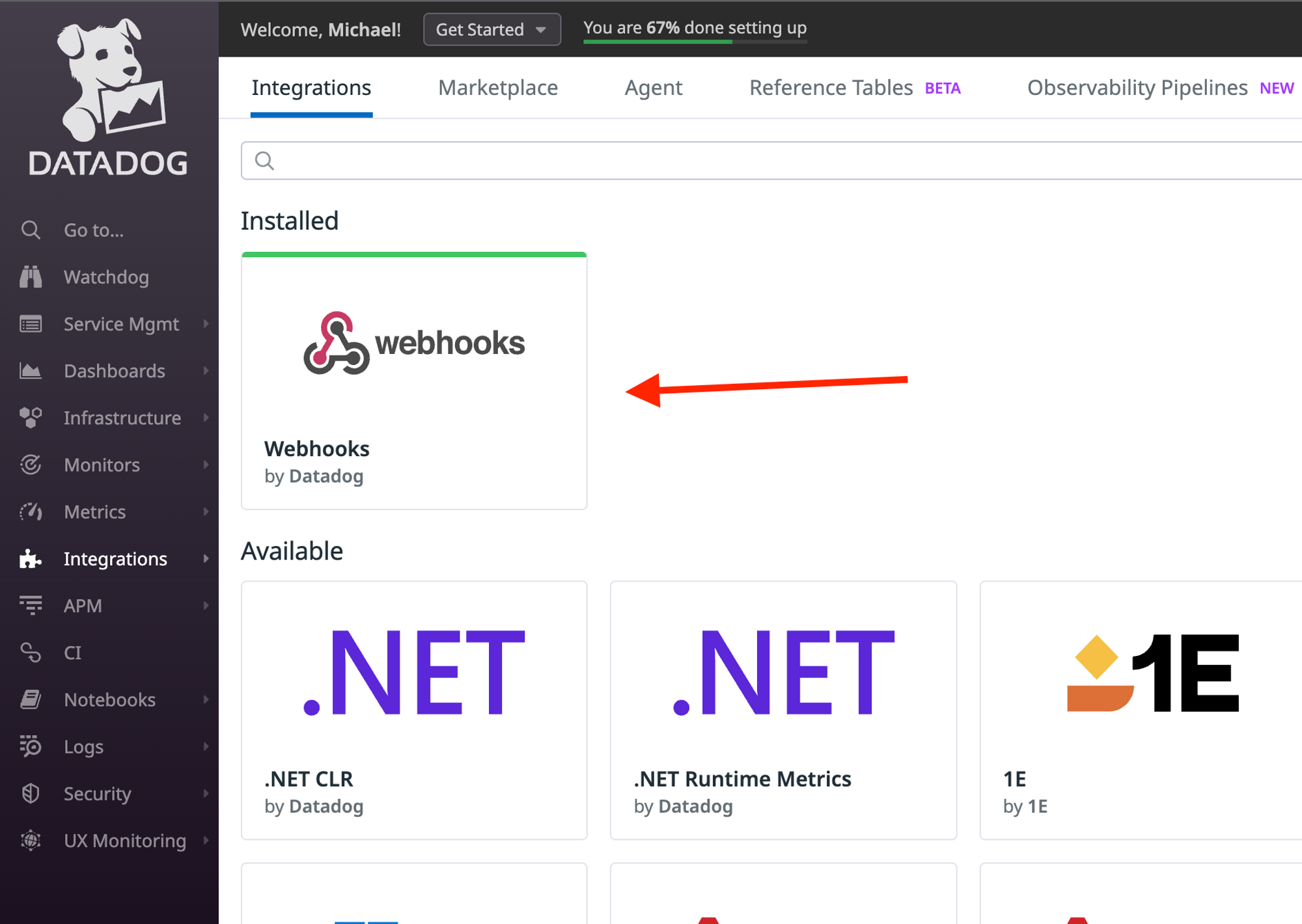
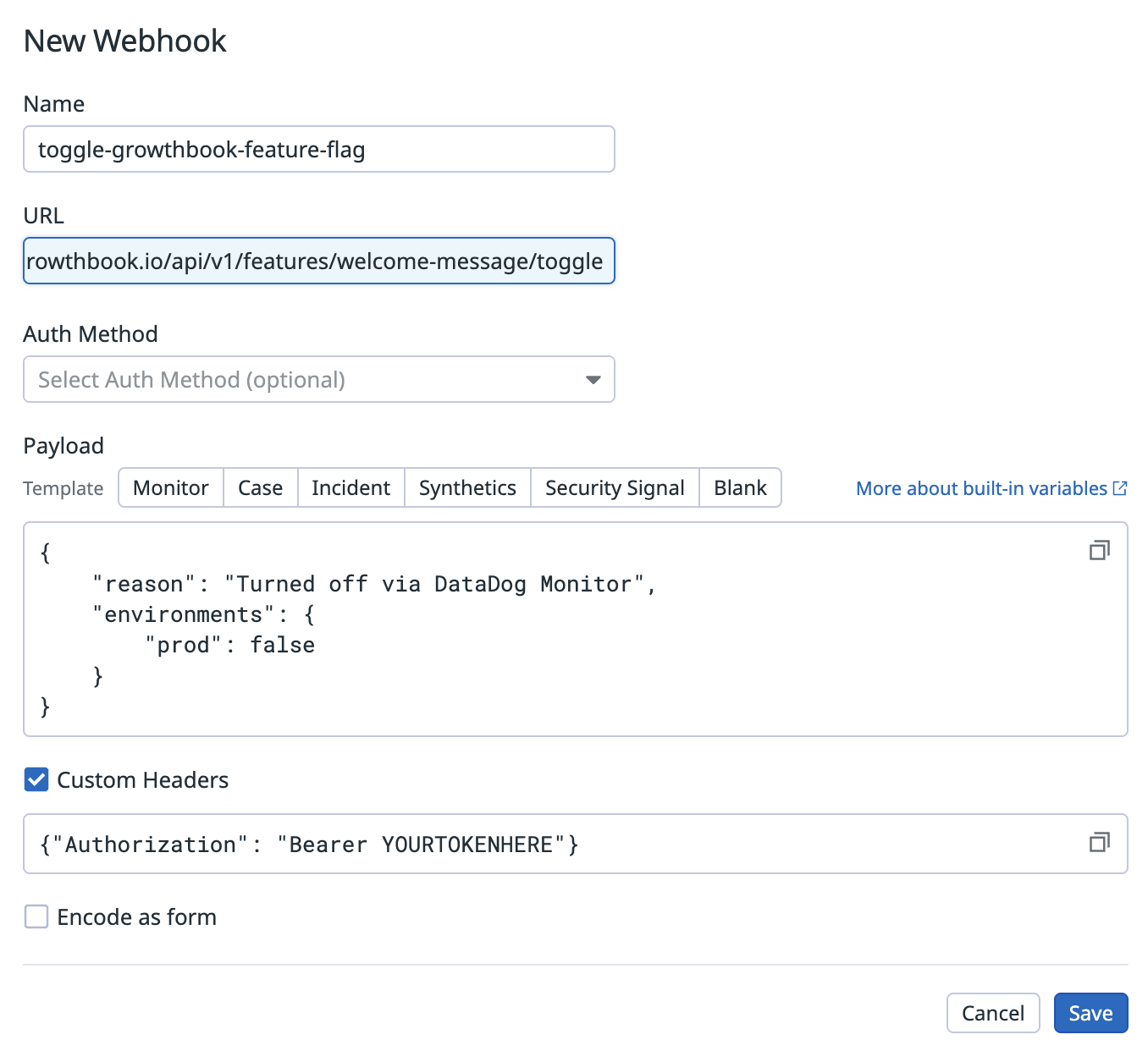
Once you’ve defined a monitor’s search query, you can then build an alert that uses DataDog’s Webhooks to make a request to the GrowthBook API. Before you can call a Webhook via a monitor alert, you’ll need to build the Webhook within DataDog. You can do that via the Integrations tab.