

To connect to Databricks, you need to provide GrowthBook with the connection details and access token to the SQL Warehouse you use within Databricks.Documentation Index
Fetch the complete documentation index at: https://growthbook-preview.mintlify.app/llms.txt
Use this file to discover all available pages before exploring further.
1. Find the connection details for your SQL Warehouse
In your Databricks instance, navigate to the SQL Warehouses, select your SQL Warehouse that stores the data you want GrowthBook to access, and the click Connection Details. You should see the following page, which contains most of the fields needed to connect GrowthBook to your Databricks SQL Warehouse.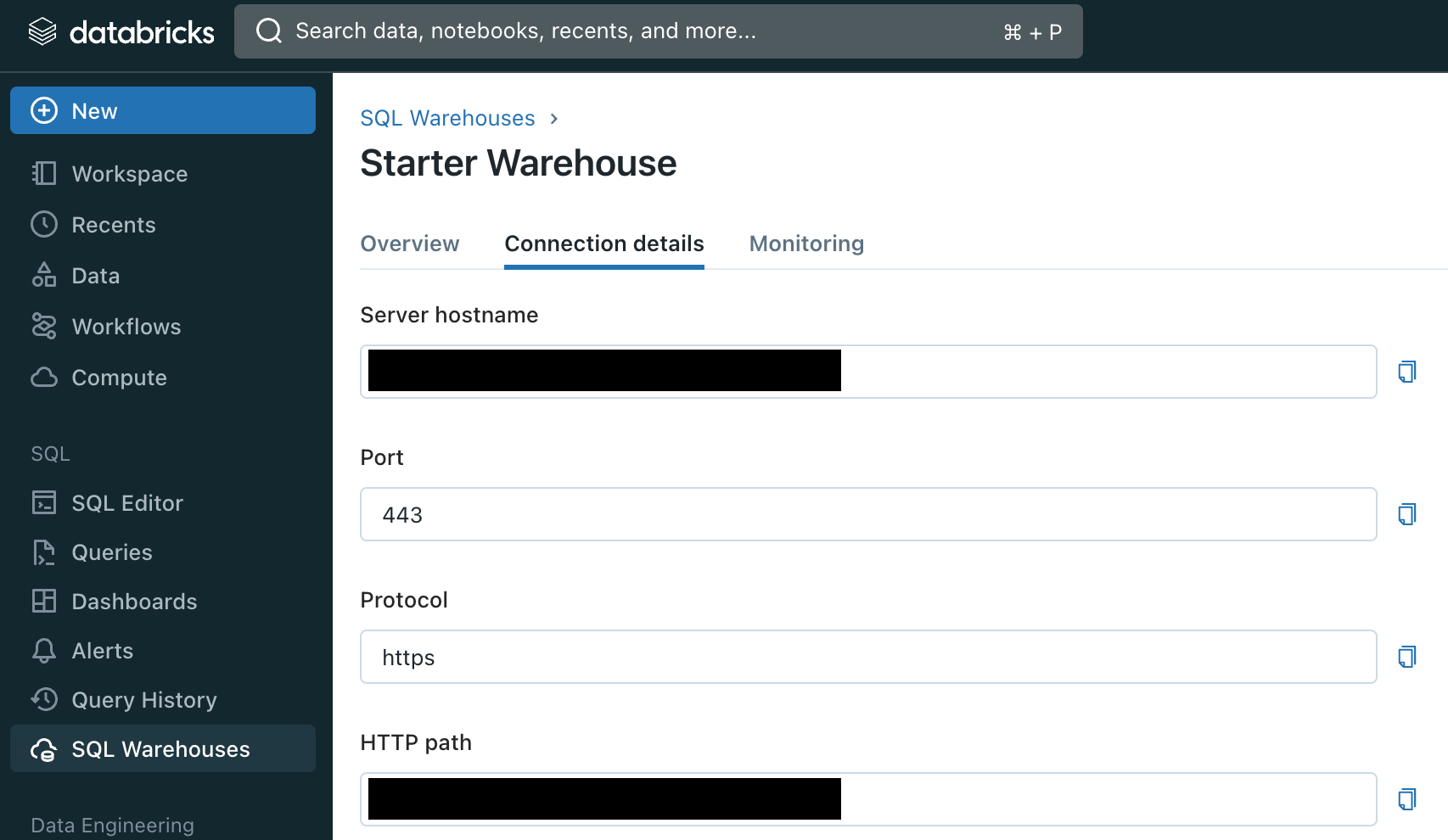
2. Create an access token for GrowthBook
There are two kinds of access tokens that will work to connect GrowthBook to Databricks:- A personal access token for a user account
- A personal access token for a service principal