GrowthBook supports Segment as an event source for easily adding A/B testing to your application. This document is a how-to guide for setting up Segment with your application, connecting Segment to BigQuery and then connecting GrowthBook to this data.Documentation Index
Fetch the complete documentation index at: https://growthbook-preview.mintlify.app/llms.txt
Use this file to discover all available pages before exploring further.
1. Setup Segment
If you have already set up Segment, you can skip this step. Segment allows you to send events from your application to any data destination, and supports most data warehouse.2. Add Exposure Tracking Event
To track when a user is exposed to an experiment from the client side, you’ll want to add a Segment event call to yourtrackingCallback function. This function is called when a user is exposed to an experiment, and is passed the experiment name and variation name.
3. Connect GrowthBook to Your Warehouse
Now that we have data flowing into a data warehouse, we need to have GrowthBook connect to it. It is best practice to create another service account for GrowthBook to connect to your data warehouse.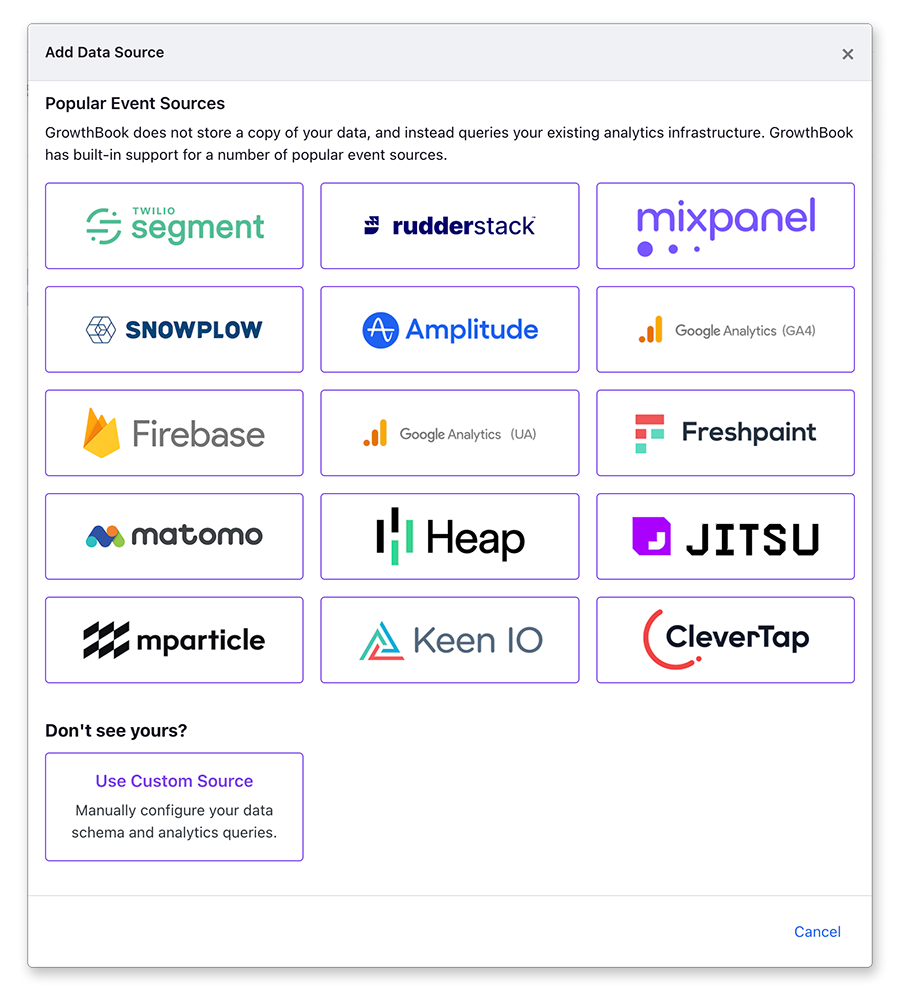
anonymous_id and user_id, you’ll need to add the user_id query.
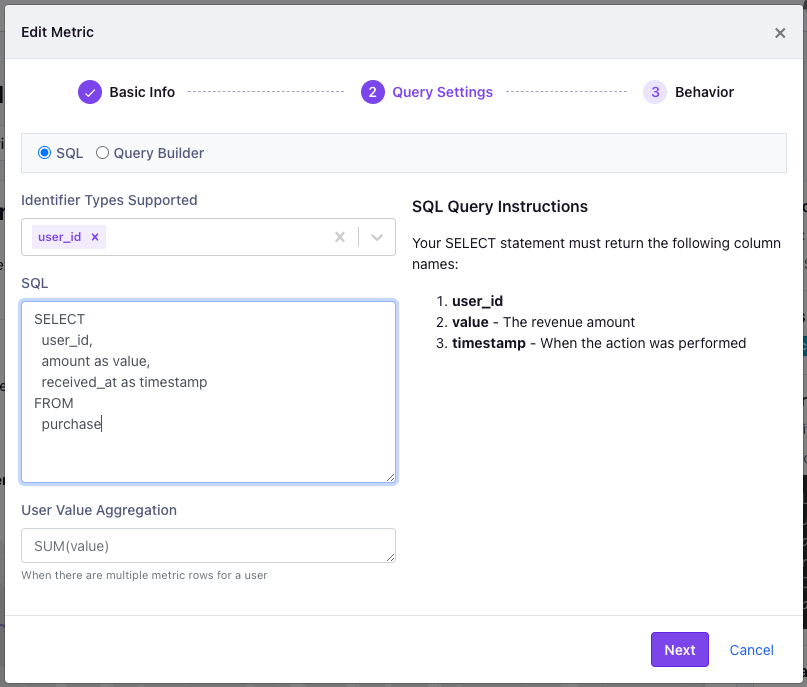
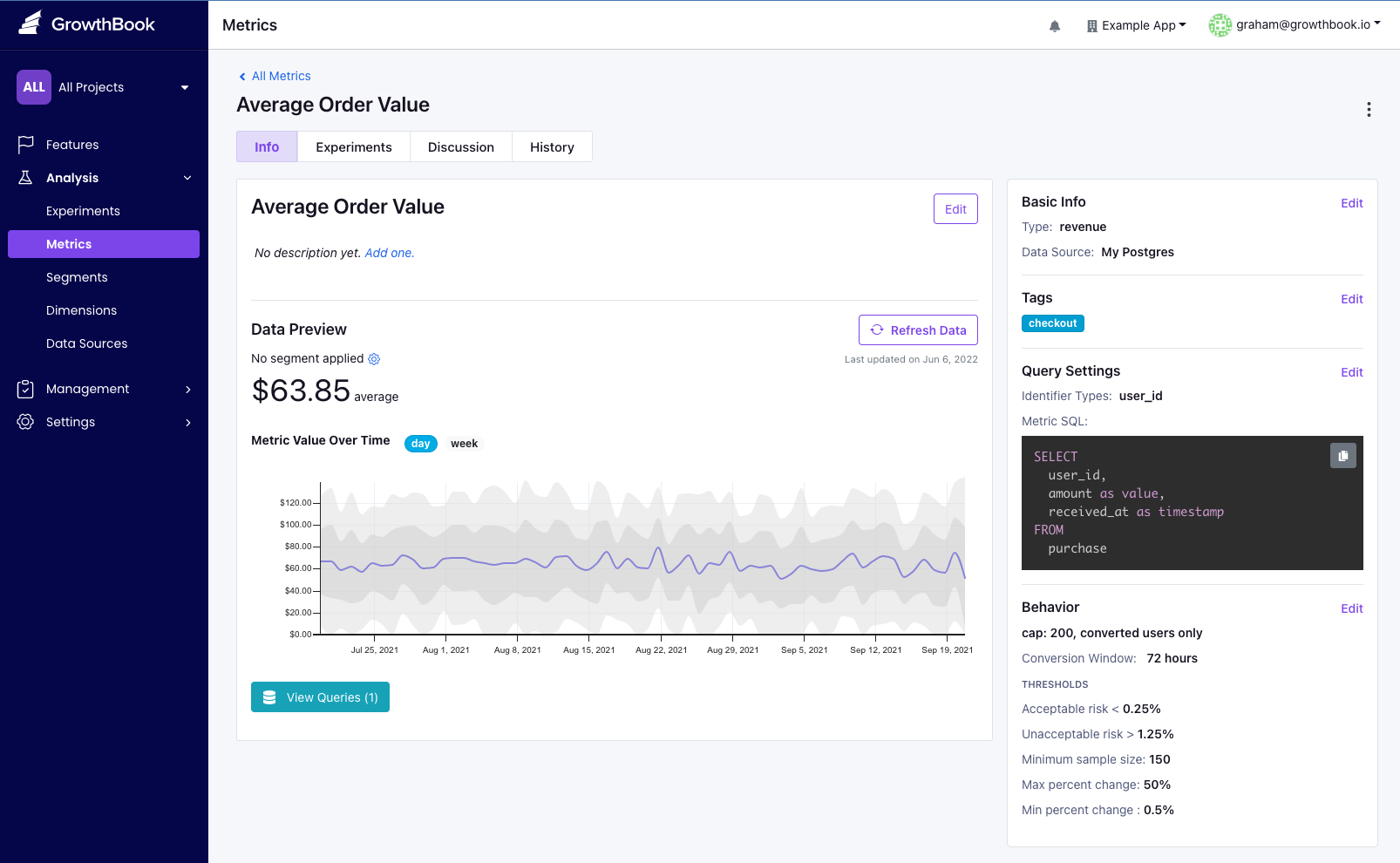
3. Add Metrics
GrowthBook needs to know what metrics you want to use in your experiments, and how to query this data from BigQuery. This step depends on your needs as an organization. Keep in mind that metric queries will be generic, returning all users who do an event, but will be joined to the experiment exposure information when determining the impact of experiment results. Metrics are added from the Analysis → Metrics menu.